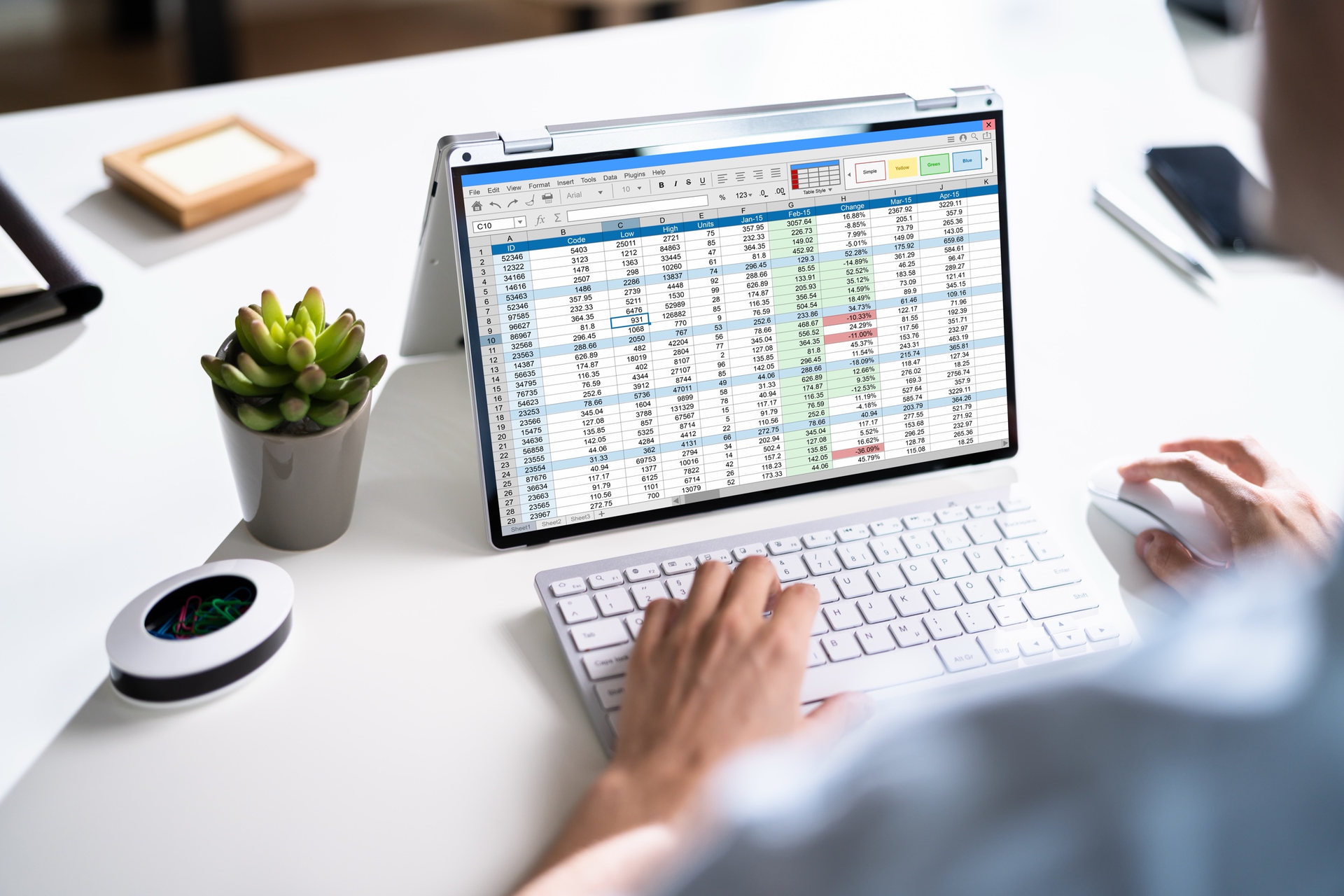
Almost every small business runs on at least one spreadsheet that has quietly become load-bearing. It started as a single tab someone threw together on a Tuesday. Now it schedules the crew, tracks who owes what, calculates the numbers three people depend on, and lives in a file named something like ops_tracker_FINAL_v7_USE_THIS_ONE.xlsx.
Spreadsheets are one of the best tools ever made, and most of the time you should keep using them. But there is a point where the thing that made you fast starts making you slow, fragile, and dependent on one person's memory. The hard part is knowing when you've crossed that line — and what to do about it that isn't wildly out of proportion to the problem.
Here's an honest look at the signals, the cost math, and what a right-sized fix actually looks like.
The signals you've outgrown the spreadsheet
You rarely wake up and decide the spreadsheet has to go. It's more like a slow accumulation of friction until one day it's obviously too much. These are the signals that show up first.
Two people need to edit it at the same time — and can't
The moment your business depends on more than one person touching the same data, a file starts fighting you. You get "locked for editing" messages, or worse, everyone works on their own copy and you spend Monday reconciling five versions of the truth. Concurrent editing is the single clearest sign the data wants to live in an application, not a file.
Your version history is a list of filenames
If your record of what changed and when is a folder full of _v3, _final, and _final_ACTUAL, you don't have version control — you have anxiety. Nobody's fully sure which file is current, and every so often someone builds a report off last month's copy and nobody notices for two weeks.
There are formulas nobody understands anymore
Somewhere in column M there's a nested IF statement forty characters long that the person who wrote it left the company. It still works, mostly, and everyone is quietly terrified of touching it. When the logic your business runs on has become undocumented, unowned, and unmodifiable, the spreadsheet has stopped being a tool and started being a liability.
One person can't take a vacation
This is the one that costs the most and shows up on no ledger. There's a person who "just knows how the sheet works" — where the macros are, why that tab feeds this one, what to do when it breaks. When they're out, the whole thing gets brittle, and everyone tiptoes until they're back. If a single unplanned absence would stall a core workflow, you have a key-person risk wearing a spreadsheet costume.
The data should trigger something — but it just sits there
A row gets marked "overdue" and… nothing happens, until a human notices and sends the email. An inventory count drops below the reorder point and it's on someone to catch it. When your data knows something needs to happen but can't do anything about it, you're paying people to be the glue between a number and an action. That's exactly the work software is good at — and it's where custom tools and AI automation start to overlap: the tool holds the data, and automation acts on it.
When the spreadsheet is actually fine (and you should keep it)
This is the part most people building software won't tell you, because they'd rather sell you a project. A lot of the time, the spreadsheet is the right answer, and replacing it would be a waste of money.
Keep the spreadsheet when:
- One person owns it and that's fine. If it's genuinely a single person's working document and nobody else needs concurrent access, a file is perfect.
- The logic is stable and simple. A few columns, a couple of sums, no branching rules that change monthly. Spreadsheets are unbeatable at this.
- It's exploratory or short-lived. You're modeling something, running a one-off analysis, or figuring out a process you haven't nailed down yet. Don't build software for a workflow you're still inventing.
- The pain is annoying but not expensive. If the friction adds up to a few minutes a week, that's a papercut, not a business case.
The test isn't "is this spreadsheet ugly." Plenty of ugly spreadsheets earn their keep. The test is whether the friction is costing you real hours, real errors, or real risk — every week, predictably. If it isn't, leave it alone.
What a right-sized internal tool looks like
When a spreadsheet does need to become software, the mistake is going too big. You don't need an all-in-one platform that runs your entire company. You need a small, focused tool that owns one workflow well.
A right-sized internal tool has a few traits:
- It replaces one spreadsheet, not your whole operation. It takes the brittle sheet doing three jobs and turns it into a real app your team logs into — with the rules and workflow your business actually runs on built in.
- It enforces the logic instead of hoping people remember it. The forty-character formula becomes a rule the software applies every time, the same way, with a name and an owner.
- Multiple people can use it at once, safely. No file locks, no merge-the-copies ritual. One source of truth everyone sees.
- It acts on its own data. The overdue row sends the reminder. The low-stock item flags the reorder. The status change notifies the right person. The tool does the thing the number was asking for.
Concretely, that usually looks like an internal tool, an admin dashboard that pulls your numbers into one place, or a simple portal where staff or customers can log in and self-serve the requests currently landing in your inbox. Small, focused, shaped around how you already work — not a generic template you have to bend your process around.
What a scoped build engagement looks like
The other reason people stick with a painful spreadsheet is the fear that "get it built properly" means a six-month project and a five-figure surprise. It doesn't have to.
A sane engagement starts small and stays honest:
- A short discovery to map the problem. Before anyone writes code, you figure out exactly what the tool needs to do and — just as important — what it doesn't. This is where a good partner will tell you if the spreadsheet is actually fine.
- A fixed first build, agreed up front. Not an open-ended hourly meter. You know the scope and the price of the first useful version before it starts.
- Something working early. You get a real tool in your hands that replaces the worst spreadsheet, rather than waiting for a big-bang launch that may never quite fit.
- The next piece, once the first earns its keep. You expand the tool as it pays for itself, not before. If the first build doesn't save the hours it was supposed to, you find out cheaply.
Sized this way, replacing the spreadsheet isn't a leap of faith. It's a scoped, reversible decision you can make one workflow at a time.
So — does yours pay for itself?
Add up the honest cost of your worst spreadsheet: the hours lost to reconciling versions, the errors that slip through, the risk that lives in one person's head, the actions that don't happen until someone notices. If that number is small, keep the sheet with a clear conscience. If it's a real weekly tax on your business, a small custom tool almost certainly pays for itself faster than you'd think.
If you've got a spreadsheet that should probably be software and you're not sure which side of the line it's on, that's exactly the conversation worth having. See how we approach custom software builds, or book a 15-minute discovery call and tell us what's slowing you down — we'll tell you honestly whether custom software is the right fix, and how we'd scope it.
And if your bigger problem is marketing and growth rather than operations, our free Growth Playbook will build you a prioritized plan for that instead.